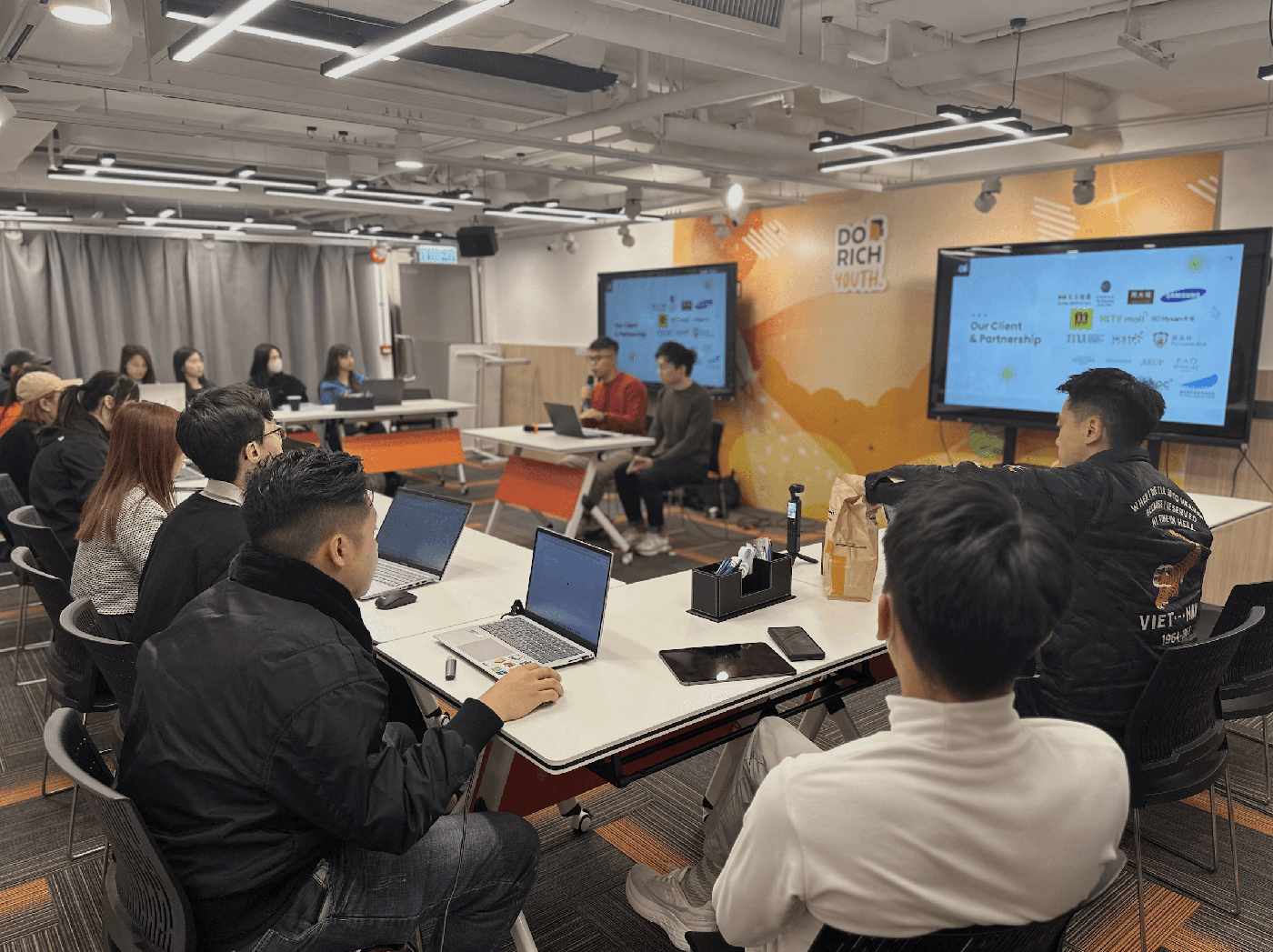
In April 2025, Dorich -- a Hong Kong financial education platform -- asked me to run a 2.5-hour AI workshop for their community. The brief was specific: no surface-level demo that gets forgotten within a week. Their audience was professionals focused on career development and personal finance, people who'd tried ChatGPT, found the output generic, and concluded AI wasn't ready for their work.
The usual problem. Someone tries a tool, types "summarize this," gets a bland response, walks away. The gap is usually the prompt, not the tool. So instead of covering four skills in the abstract, we built the session around four prompt patterns, each one designed to solve a bottleneck these professionals were already frustrated by.
Pattern 1: The extraction prompt
For processing documents -- reports, meeting notes, research -- where the pain is volume, not complexity.
The pattern: "Read the attached [document type]. Extract: (1) the three decisions made, (2) action items with owners, (3) anything flagged as unresolved. Format as a table."
What makes it work is the specificity of the ask. "Summarize this document" gives you a paragraph you won't use. Naming exactly what you want extracted -- decisions, actions, open items -- gives you output that maps to how you'd actually brief someone. We practiced this on real meeting notes participants brought. Most had their extraction running in under two minutes.
Pattern 2: The perspective prompt
For ideation and brainstorming -- when the problem is direction, not information.
The pattern: "You are a [specific role -- e.g., skeptical customer / marketing strategist / budget-conscious CFO]. Given [situation], what are the three biggest concerns you'd raise? Then suggest one approach for each."
Generic "give me ideas" prompts produce generic ideas. Assigning a role forces the model to reason from a constrained perspective, and asking for concerns before solutions prevents the tool from jumping to optimistic fluff. Several participants used this during the session to stress-test proposals they were preparing for actual meetings the following week.
Pattern 3: The structure prompt
For presentations and content -- the blank-page problem.
The pattern: "Create a [number]-slide outline for a presentation on [topic] aimed at [audience]. For each slide: one headline, three bullet points, one suggested visual. Keep the total under [time limit] minutes of speaking."
The constraint on speaking time forces the model to prioritize. Without it, you get a twelve-slide outline for a five-minute slot. The visual suggestion per slide gives participants a starting point for Canva or PowerPoint without requiring design skills. Watching a complete deck structure appear in thirty seconds -- when they'd normally spend an hour on outlines alone -- was the moment most people in the room reconsidered the tool.
Pattern 4: The analysis prompt
For spreadsheets and data -- when the bottleneck is interpretation, not collection.
The pattern: "Here is [data type] from [time period]. Identify: (1) the top three trends, (2) any outliers, (3) one recommendation I should investigate further. Explain your reasoning for each."
Adding "explain your reasoning" separates this from a chart generator. The explanation gives you something to evaluate -- you can spot where the model misread the data, which happens -- and something to include in a report without feeling like you outsourced your judgment. Several groups used this in the final exercise and surfaced trends their managers hadn't noticed.
What made the difference
Specificity. Not four skills explained in the abstract -- four patterns practiced on real material. Participants left with prompts they could paste into a tool the next morning, not concepts they'd need to translate into action on their own. The feedback that stuck with me wasn't about AI capabilities. It was: "I finally know what to type."
That's the gap most AI training doesn't close. People understand what the tools can do. They don't know what to say to them. A reusable prompt pattern, tested on real material during the session -- not after -- is what closes it.
If you're thinking about AI training for your team or community, I'm always happy to discuss what's working. Connect with me on LinkedIn.
